SnapFlow CRM

All the sales & marketing tools you need, under one roof.

Manage contacts, conversations, sales, scheduling, and marketing from one platform. Publish social posts, follow up with leads, and track results with SnapFlow CRM.

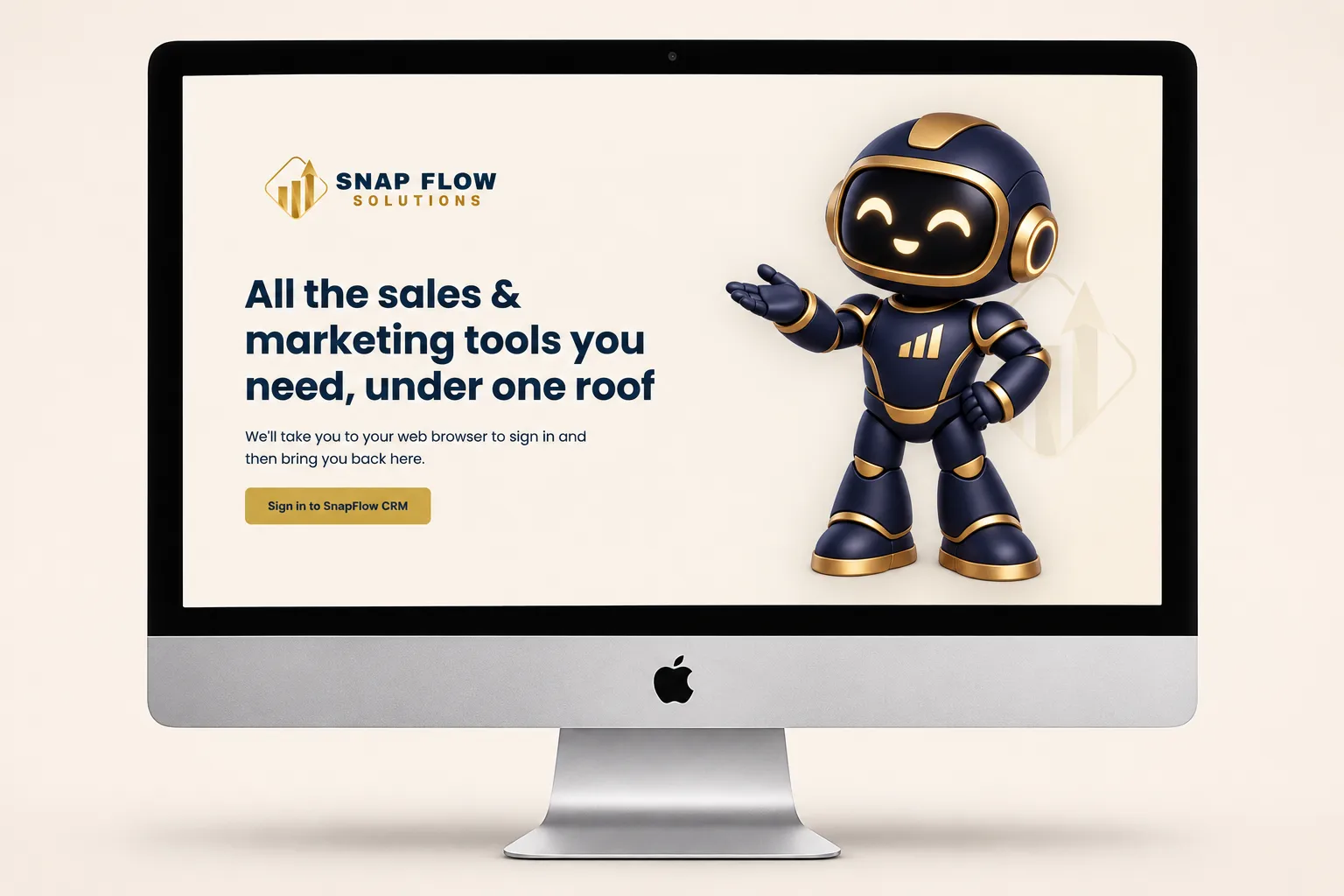
SnapFlow CRM sign-in screen displayed on a silver iMac
SnapFlow CRM desktop sign-in

Explore SnapFlow CRM features

Capture leads

Turn interest into inquiries you can follow up on.

View all features
  • Websites, landing pages, and funnels
  • Webinar funnels
  • Forms, surveys, and quizzes
  • QR codes and business card scanning
  • Prospecting tools and Ad Manager
  • Call tracking and missed-call text-back
  • Web chat and inbound messages

Manage conversations

Keep calls, messages, and customer history together.

View all features
  • Contact records and shared inbox
  • Inbound and outbound calling
  • SMS and email
  • Connected Instagram DMs, Messenger, and WhatsApp
  • Saved replies and text snippets
  • Call recordings and summaries where configured
  • Voice AI and Conversation AI

Publish and run campaigns

Plan social posts and stay in touch with your audience.

View all features
  • Social Planner and content calendar
  • Scheduled publishing across connected channels
  • Social post templates
  • Content AI drafting
  • Email and SMS campaigns
  • Audience segmentation and smart lists
  • Newsletters and campaign analytics

Book, sell, and get paid

Move opportunities from first inquiry to payment.

View all features
  • Sales pipelines and lead scoring
  • Booking calendars and appointment reminders
  • Estimates and proposals
  • Invoices and payment links
  • Paid appointments
  • Order forms and upsells
  • Text-to-pay and tap-to-pay with supported payment setup
  • Paid courses and memberships

Earn reviews and repeat business

Give customers a reason to recommend you and come back.

View all features
  • Review requests and reputation management
  • AI-assisted review replies
  • Website review widgets and video testimonials
  • Referral tracking and affiliate tools
  • Communities and loyalty programs
  • Seasonal and win-back campaigns

Automate and track performance

Set up routine handoffs and see what’s happening across the business.

View all features
  • Workflow builder, triggers, and actions
  • Lead assignment and internal notifications
  • Follow-up sequences and tasks
  • Sales dashboards and lead-source reporting
  • Call, appointment, and connected ad reporting
  • Mobile app access
  • App integrations and supported API access

Some features require connected accounts or setup. Usage charges and optional products are billed separately where applicable.

Plan and publish social posts from one place.

See what’s scheduled, where it’ll be published, and when it’ll go live, all in your Social Planner content calendar.

  • Create faster with ready-to-use templates and editable Content AI drafts.
  • Publish now or schedule ahead across your connected channels.
  • Track post performance on channels that support analytics.

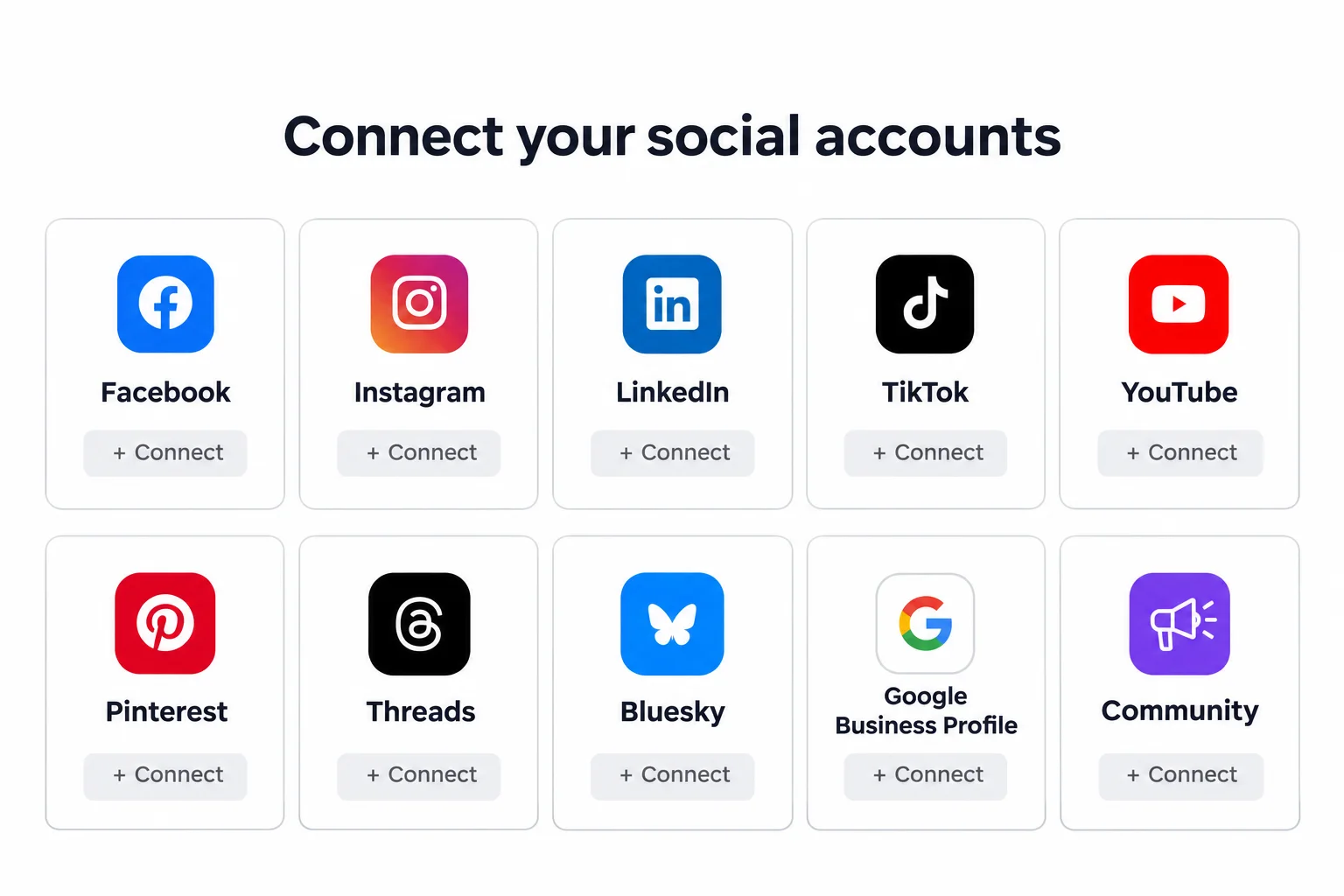
Connect your channels
Facebook, Instagram, LinkedIn, TikTok, YouTube, Pinterest, Threads, Bluesky, Google Business Profile, and Community.

Applicable Content AI usage is billed separately.

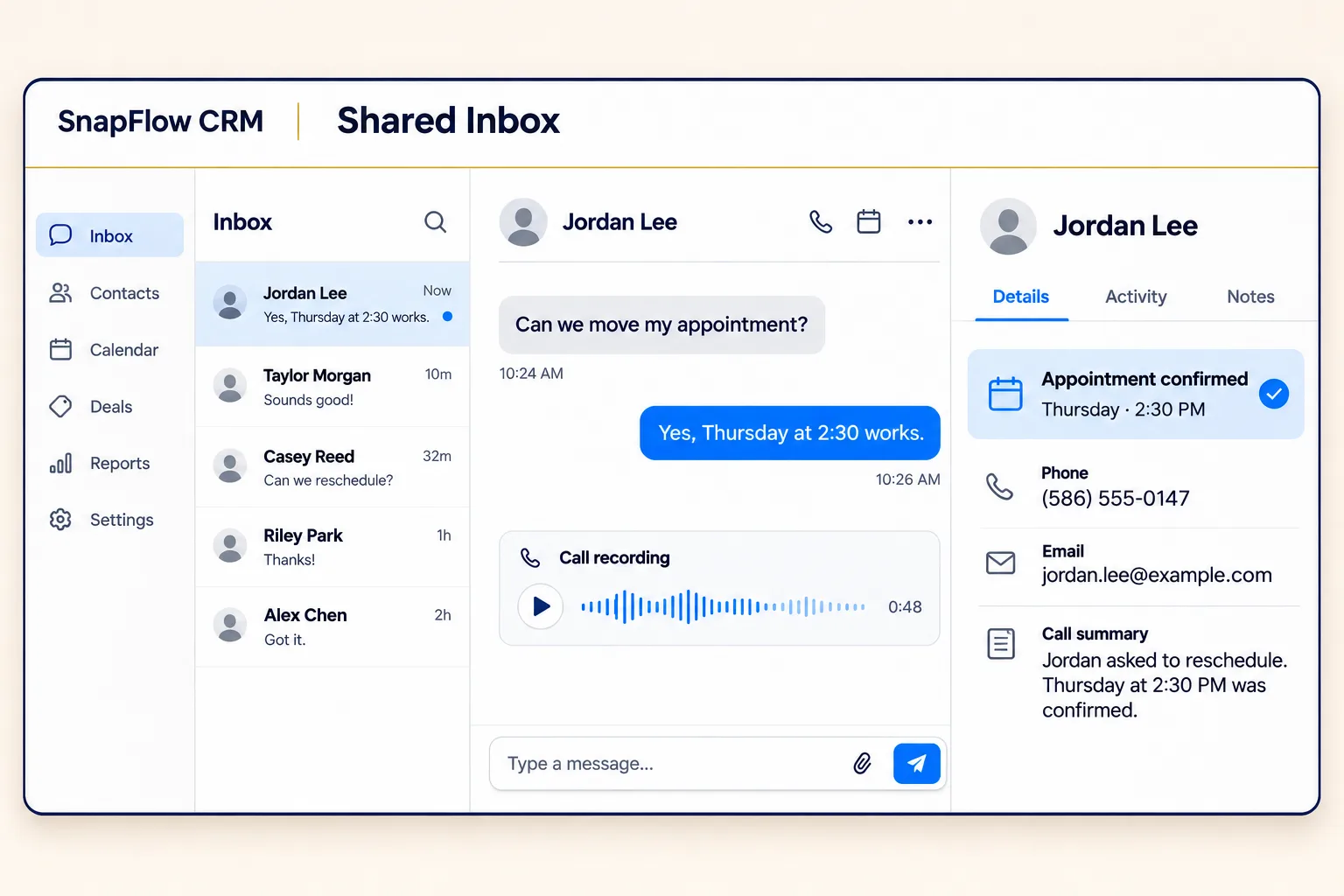
Illustrative shared inbox showing a text conversation, a call recording, and a confirmed appointment
Shared Inbox illustration with fictional activity

Call, text, and email from one customer record.

See the whole conversation and take the next step from the same record.

  • Call, text, or email and see past messages, recordings, and call summaries.
  • Update contact details and check upcoming appointments.
  • Add notes and follow-up tasks and see where the deal stands.

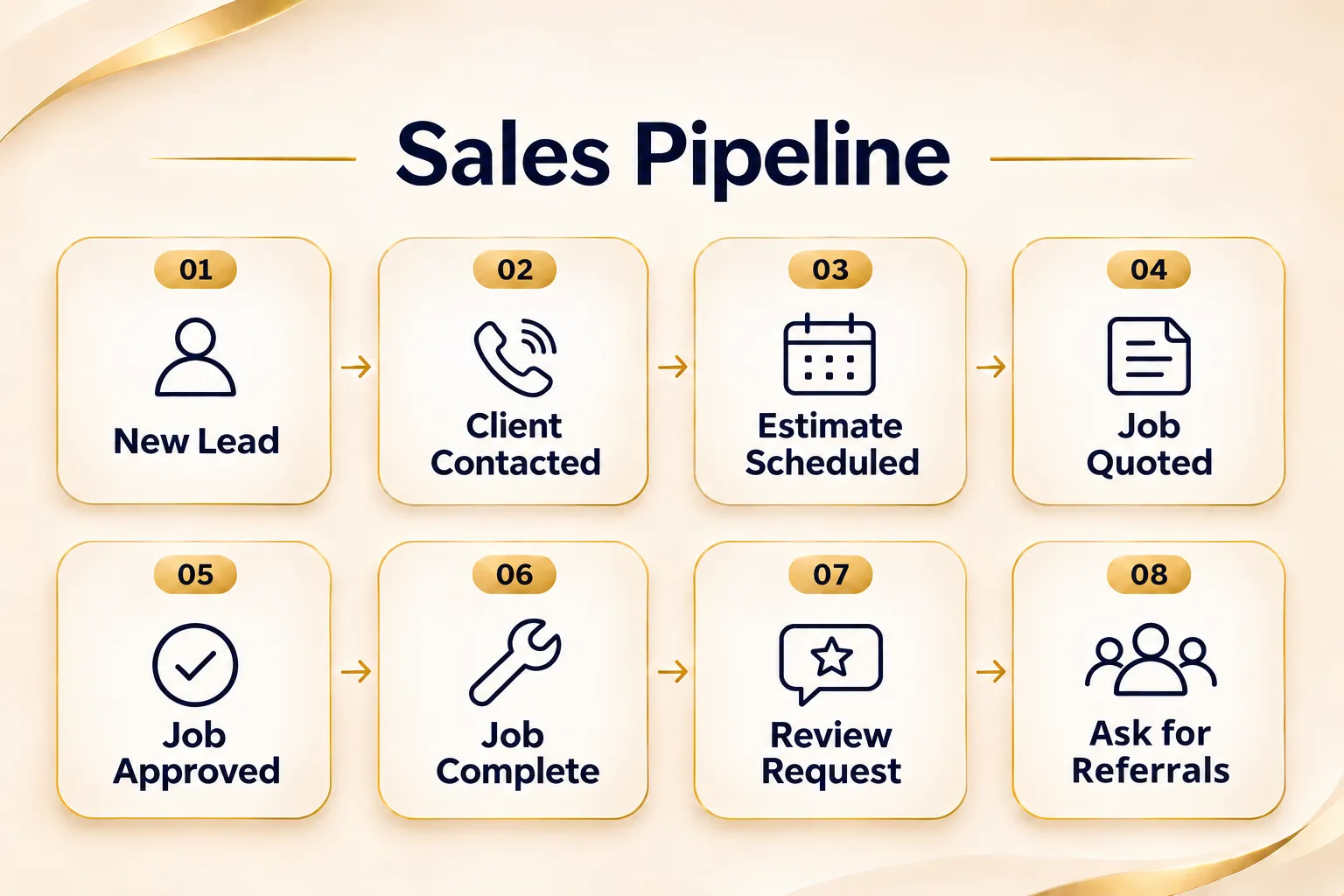
See where every job stands

From the first inquiry to the finished job, see what’s moving, what’s waiting, and who needs a follow-up.

  • Prioritize new leads and see who’s already been contacted.
  • Keep quotes moving by spotting estimates that still need approval.
  • Follow up after the job with a review or referral request.

SnapFlow CRM questions & answers

Here’s how the subscription, setup, and any extra charges work.

What does the monthly subscription cover?

Your subscription gives you access to SnapFlow CRM. Explore the feature cards above to see what you can do. Your quote confirms what’s included in your plan.

What’s included in onboarding?

One-time onboarding can cover your starting pipeline, intake form, calendar, and follow-up templates. If a prebuilt setup fits your business, we can install it during onboarding. Your quote spells out what we’ll configure and the setup fee.

Are there extra fees for calls, texts, email, or AI?

Calls, texts, email, and applicable AI usage are billed separately from your subscription. Recurring phone number charges may also apply. We’ll explain which charges apply before you get started.

Can I add AI Employee, ongoing support, or custom work?

Yes. We can quote optional products such as AI Employee, ongoing support through SnapFlow Care, and services such as custom workflows, migrations, or integrations separately.

See how SnapFlow CRM would work for your business

Get a QuoteExplore Custom AI & Automation